Family Newsletter for the week of March 23-27, 2026 |
|
|
|
-4/2/26: Last day to make schedule changes for '26-'27 school year -4/14/26: STAAR testing - Reading -4/21/26: STAAR testing - 8th Grade Science & Biology -4/24/26: STAAR testing - Math -4/14/26: STAAR testing - Algebra 1 -5/7/26: PTO Spirit Night at McDonalds |
8th grade Panoramic Pictures |
8th grade students took their panoramic picture on Monday, March 9th. Families may purchase directly through Herndon Panoramics . Please see the purchasing information below. |
Spring Pictures have been posponed. If you previously pre-purchased from Lifetouch (original date was March 3) please reach out to the company via their online contact form for a refund. Additionally, anyone who would like to have photos of their children removed from Lifetouch servers should contact Lifetouch directly via their online contact form on the Lifetouch website. We will update faimlies with a new date as soon as we have more information. |
|
|
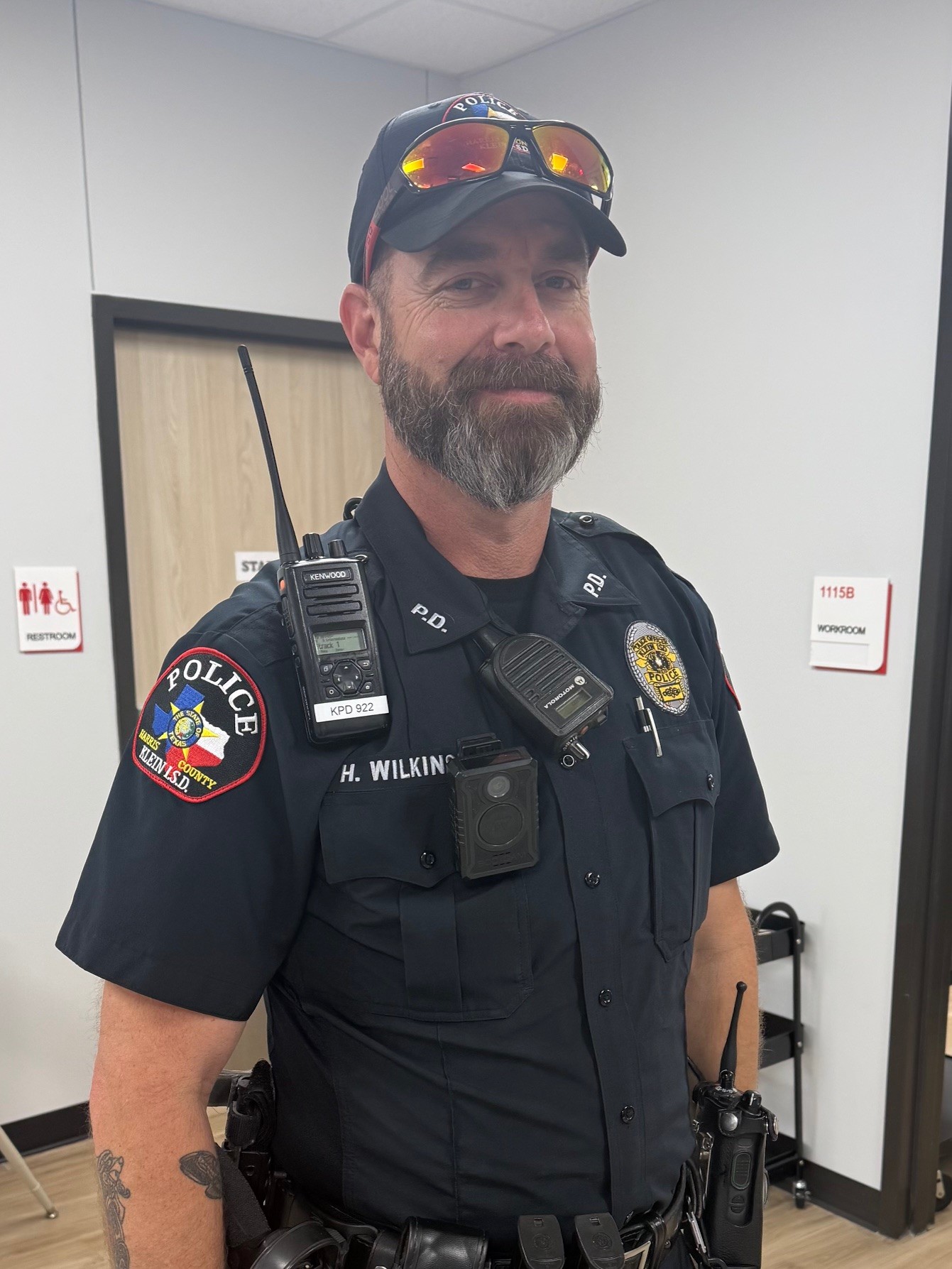
| Welcome, Officer Wilkinson! |
Last Friday we said farewell to our beloved Strack officer, Officer Kalbow, who has accepted a new role as a detective. We are grateful for the relationships he built with our students and staff and wish him the very best in his new adventure. At the same time, we are excited to welcome our new campus officer, Officer Wilkinson, to the Strack family. Officer Wilkinson is new to Klein ISD Police Department, but has over 25 years of law enforcement experience. Please be sure to give him a warm Cougar welcome when you see him on campus! 🐾
|
|
|
Meet Our New Financial Secretary, Ms. Caudillo |
We are excited to welcome Martha Caudillo as our new Financial Secretary following Ms. Navarro’s recent move out of state. Martha joins us from our own Strack Making Connections team and has previously served in this role at another school. We are grateful to have her experience and positive spirit in the front office, and we know she will do a fantastic job in this new role. Please help us give Martha a warm Cougar welcome! 🐾 |
| |
|
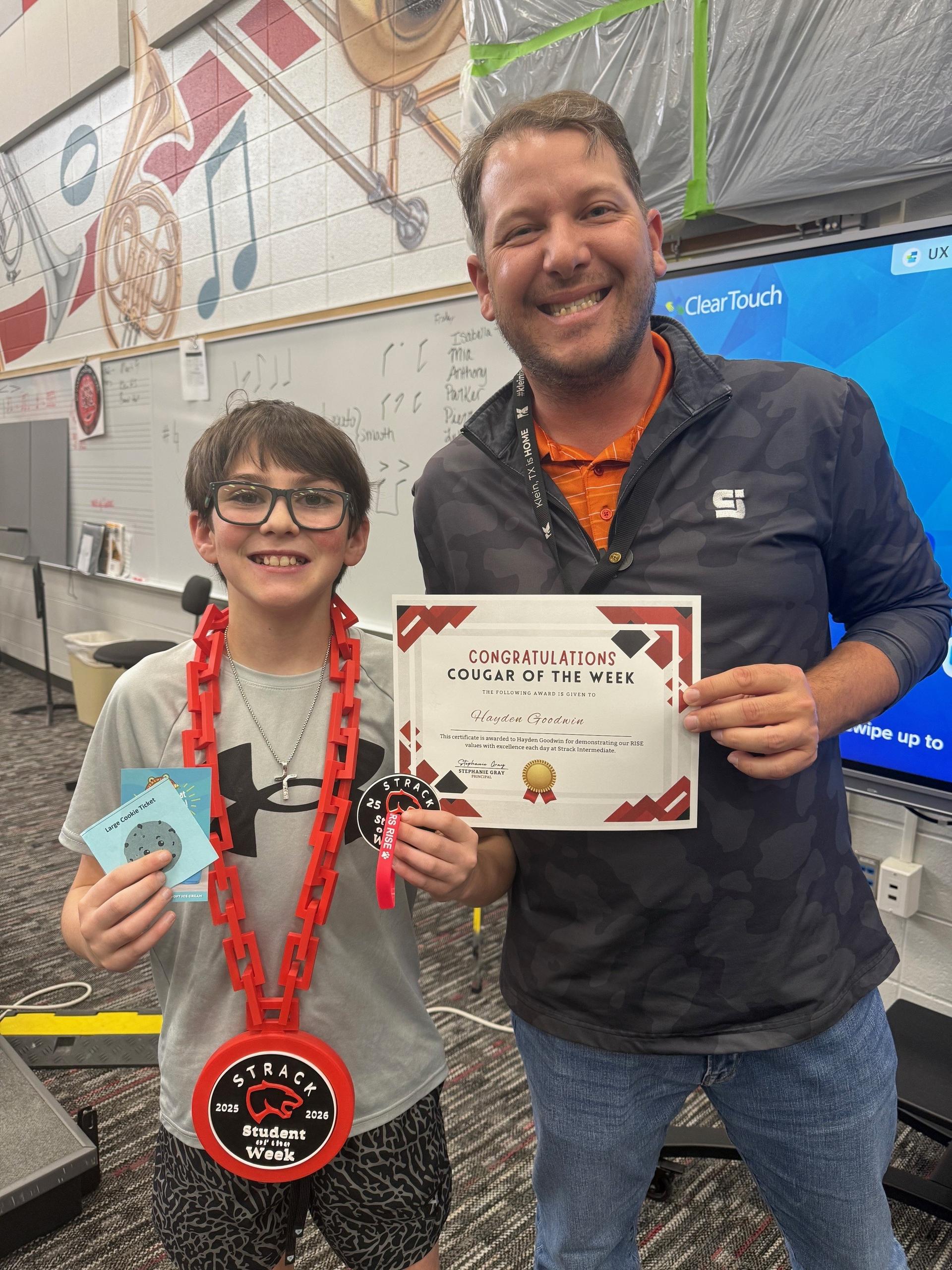
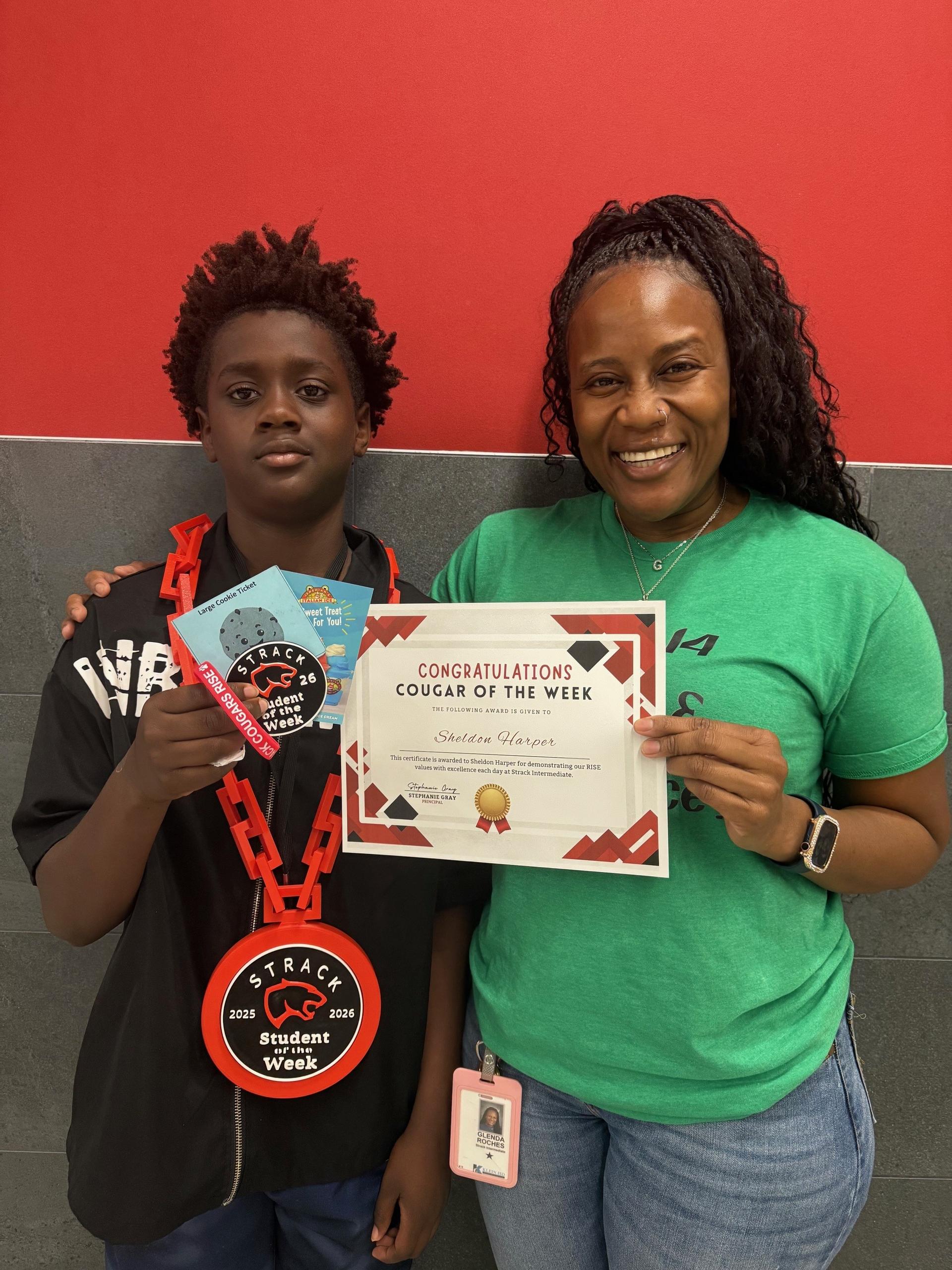
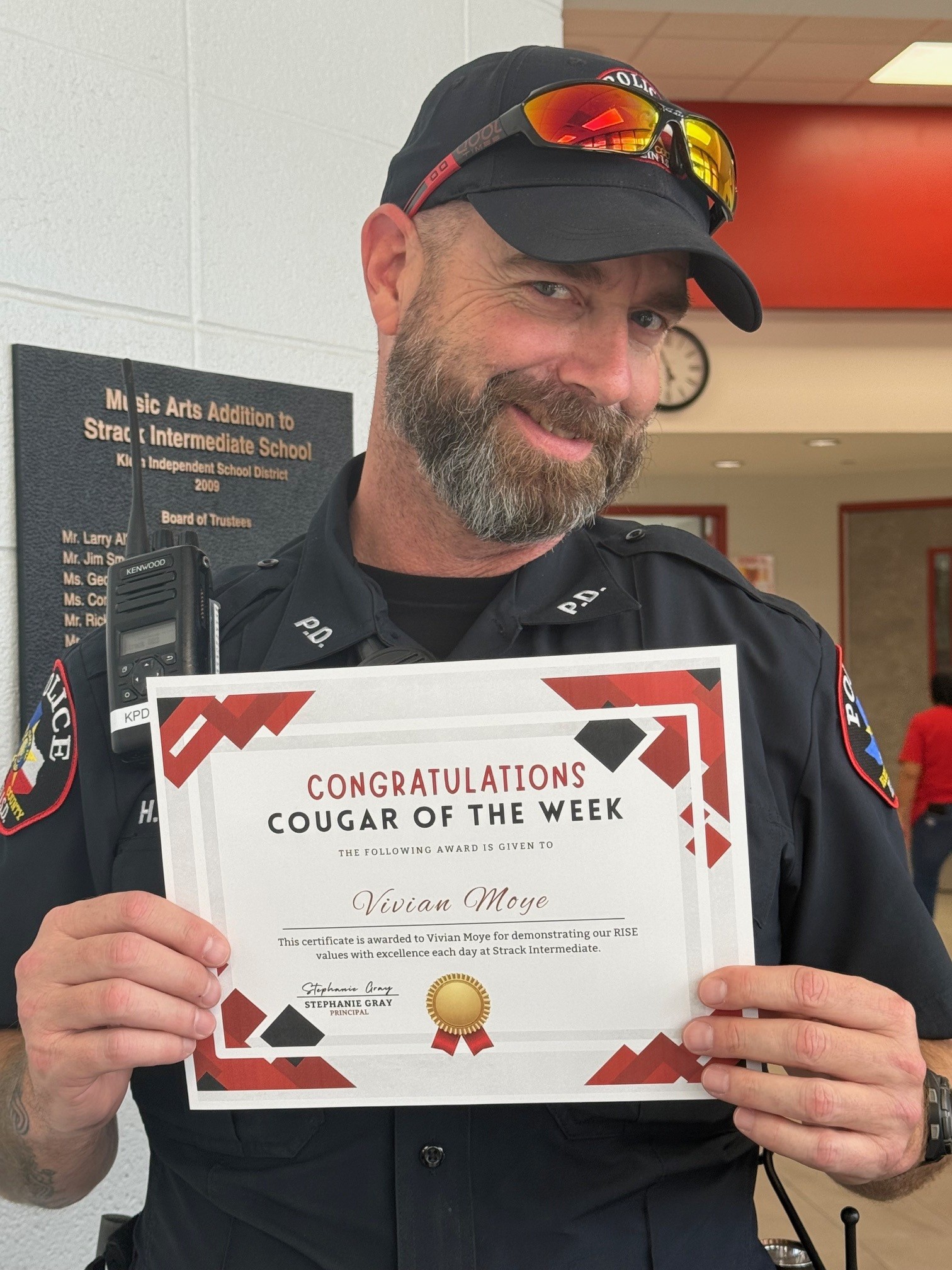
We’re proud to honor Cougars each week who lead with heart and show our RISE values in action. These students embody what it means to be a Strack Cougar—showing Resilience, Integrity, Self-Discipline, and Empathy. Way to go, Cougs! |
|
|
6th Grade: Hayden G. 7th Grade: Sheldon H. 8th Grade: Vivian M. |
|
|
🎉 Staff of the Month Celebrations 🎉 |
|
|
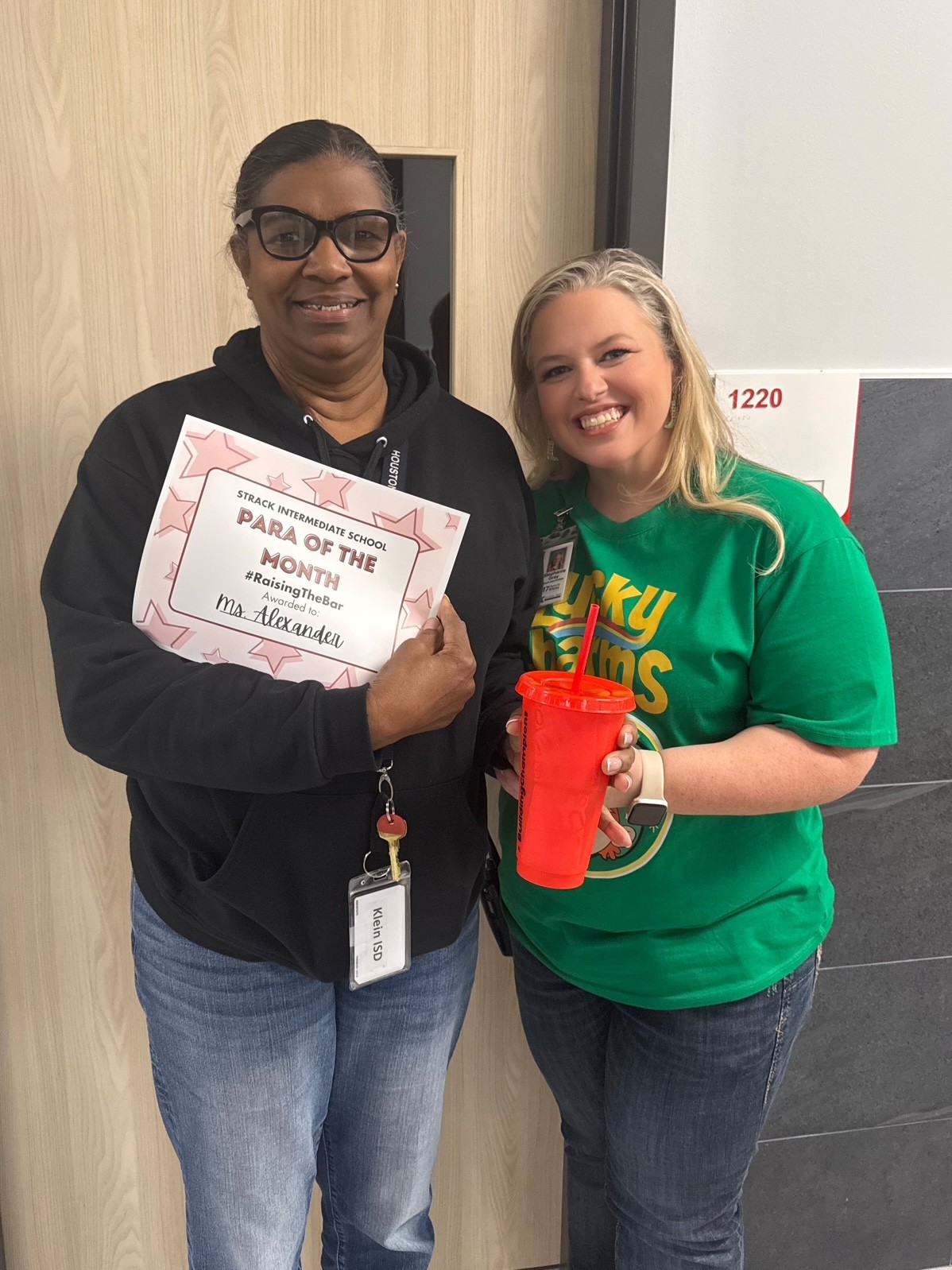
This month, we are thrilled to honor two incredible Cougars who go above and beyond each day. Paraprofessional of the Month- Vanessa Alexander
We are proud to recognize Ms. Alexander as our Paraprofessional of the Month! Ms. Alexander is a valued member of our ACCESS team, where she consistently goes above and beyond to support our students. Her kindness shines through in everything she does, and it’s clear that she has a genuine heart for the students she serves. She builds strong relationships, shows incredible patience, and creates a supportive environment where students feel safe, valued, and encouraged to grow. We are so thankful for the compassion and dedication Ms. Alexander brings to Strack each and every day. She truly makes a difference in the lives of our students!
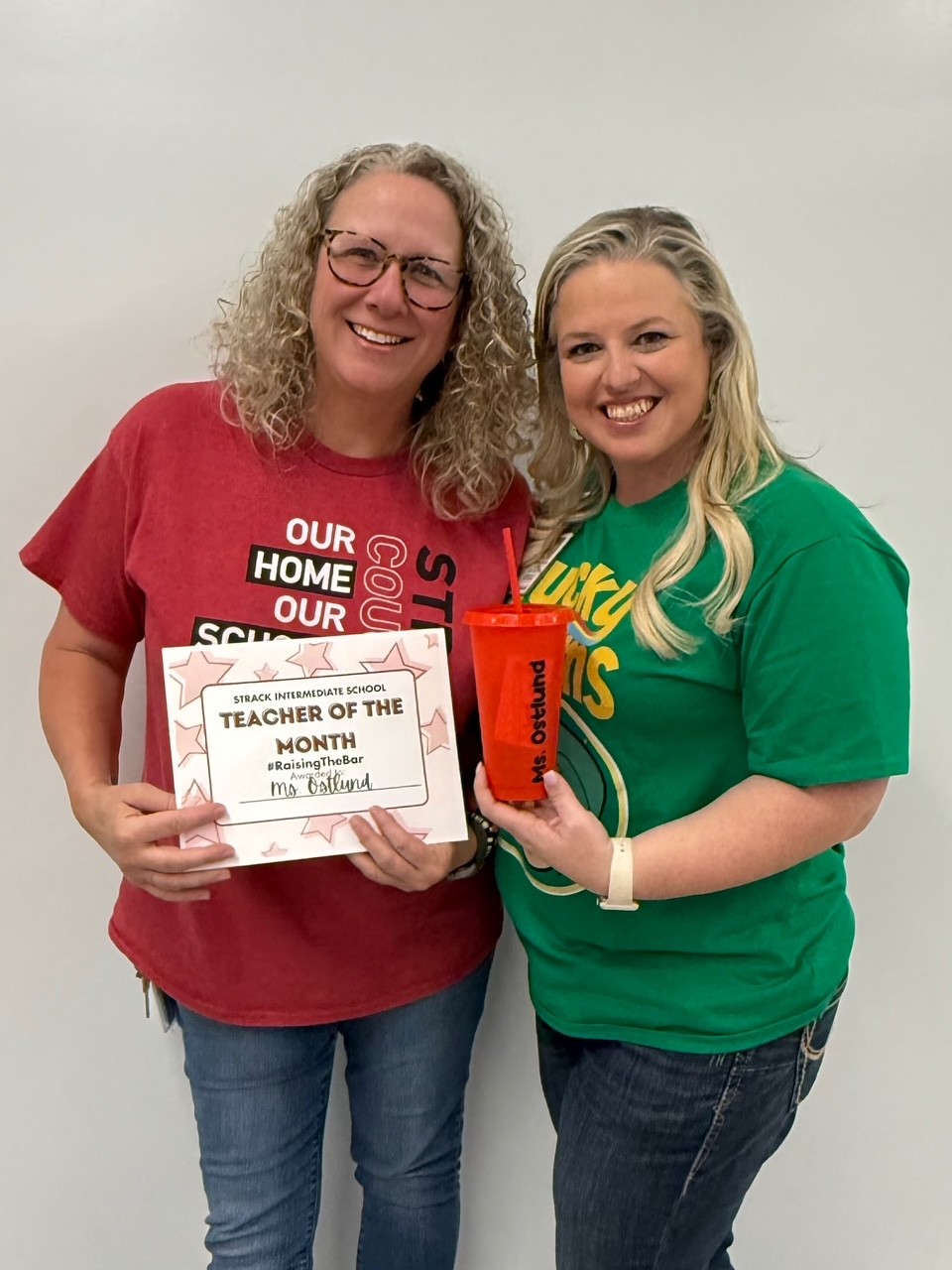
Teacher of the Month- Robin Ostlund
We are excited to recognize Ms. Ostlund as our Teacher of the Month! Ms. Ostlund works tirelessly each day to support our English Language Learners, always going above and beyond to meet their needs. Her passion for helping students is evident in the care, patience, and dedication she brings to her classroom. She consistently puts in the hard work to ensure her students feel supported, confident, and successful. We are so grateful for the impact she makes at Strack every single day! Please join us in celebrating these outstanding staff members who make Strack such a special place to learn and grow! |
|
|
2026–2027 Course Selection Information |
All course selections for the 2026-27 school year were due by Friday, January 23, 2026, and families may request changes for selected courses through April 2, 2026 by contacting their student’s counselor. Questions? Reach out to your grade-level counselor for support. |
|
|
Update to Classroom Restroom Procedures |
In an effort to keep students in class and learning as much as possible while also maintaining a safe and well-structured campus, Strack will be re-implementing a classroom restroom procedure that has been used successfully at Strack in the past. During instructional time, students will use an online system called PASS (formerly E-Hall Pass) to leave class for the restroom. This allows us to better track when and how often students are leaving class and helps minimize disruptions to instruction. Students will continue to have unlimited restroom access during passing periods, lunch, and gym/athletic or dress-out periods. Our goal is to keep a thoughtful balance between meeting students’ needs and protecting valuable learning time, while maintaining a safe and disciplined environment for all.
|
|
|
Nurse Johnson’s Clinic Corner |
Thank you to our students and parents for helping make this year’s scoliosis screenings for 7th grade girls and 8th grade boys a success. We truly appreciate everyone’s cooperation and support in helping us complete this important health screening. If your student was absent or missed during the screening dates, we will complete the remaining screenings after Spring Break. If there was any question about whether a student passed the screening, parents will receive a letter sent home with the student and an email notification very soon with additional information.
|
|
|
Expedited Early Dismissals/Attendance Reminders |
|
|
To expedite early dismissals, please submit requests on the morning of the day the early dismissal is needed by any of the following methods: -Submit the request through Skyward -Send a note with your child to turn into the Attendance Office -Send your request by email -Or leave a voicemail message (may be delayed due to office traffic)
Please be sure to include the pickup time and the name of the person picking up the student (if other than yourself), as well as a driver’s license for verification. Instructions to Submit an Attendance Request through Skyward: Step-by-Step Instructions
Log In: Access your Skyward Family Access account using your Klein Network credentials. Go to Attendance: Click on the “Attendance” tile or tab. Add Request: Select the “Absence Requests” tab and click on “+ Add Absence Request” or “Add Absence Request.” Enter Dates and Times:
Enter the start and end dates of the absence. If the absence is for the entire day, check the “All Day” box. If it’s a partial day, uncheck “All Day” and enter the specific start and end times. If it’s for early dismissal, use this section to specify the dismissal information.
Select Reason: Choose the appropriate reason from the “Attendance Reason” dropdown menu. Add Details: Type any additional information in the “Comment” box. If someone will be picking up the student on your behalf, include their name here. Save: Click the “Save” button to submit the request to the school’s attendance office for review and approval.
You’ll be able to check the status of your request to see the final outcome. https://www.skyward.com/support/parents-and-students/family-access-toolkit/parents/power-up-absence-requests
Please note that parent/guardian emails are not acceptable forms of absence correspondence. Parent/guardian notes must be submitted using the Skyward family access portal or by sending a signed written note within 5 days from the absence. Doctor notes, however, may be submitted by email, fax, sent to the attendance office within 5 days from the absence. Cutoff time for early dismissals is 3:25 pm. |
| Para agilizar las salidas anticipadas, por favor envíen las solicitudes la mañana del día en que se necesite la salida, por cualquiera de los siguientes medios: -Enviar la solicitud a través de Skyward -Enviar una nota con su hijo(a) para entregarla en la Oficina de Asistencia -Enviar su solicitud por correo electrónico -O dejar un mensaje telefónico (puede haber demoras debido al tráfico en la oficina)
Asegúrese de incluir la hora de recogida y el nombre de la persona que recogerá al estudiante (si no es usted mismo), así como una licencia de conducir para verificación. Instrucciones para enviar una solicitud de asistencia a través de Skyward: Instrucciones paso a paso Iniciar sesión: Acceda a su cuenta de Skyward Family Access usando sus credenciales de la Red Klein. Ir a Asistencia: Haga clic en el recuadro o pestaña “Attendance” (Asistencia). Agregar Solicitud: Seleccione la pestaña “Absence Requests” (Solicitudes de Ausencia) y haga clic en “+ Add Absence Request” o “Add Absence Request”. Ingresar Fechas y Horas: Ingrese las fechas de inicio y fin de la ausencia. Si la ausencia es todo el día, marque la casilla “All Day” (Todo el día). Si es parcial, desmarque “All Day” e ingrese las horas de inicio y fin específicas. Si se trata de una salida anticipada, use esta sección para especificar la información de la salida.
Seleccionar Motivo: Elija el motivo correspondiente en el menú desplegable “Attendance Reason” (Motivo de Asistencia). Agregar Detalles: Escriba cualquier información adicional en el cuadro de “Comment” (Comentario). Si alguien recogerá al estudiante en su nombre, anote su nombre aquí.
Guardar: Haga clic en el botón “Save” (Guardar) para enviar la solicitud a la oficina de asistencia de la escuela para su revisión y aprobación.
Podrá revisar el estado de su solicitud para ver el resultado final.
https://www.skyward.com/support/parents-and-students/family-access-toolkit/parents/power-up-absence-requests
Tenga en cuenta: Los correos electrónicos de los padres o tutores no son formas aceptables de justificar una ausencia. Las notas de los padres o tutores deben enviarse a través del portal Skyward Family Access o mediante una nota escrita y firmada dentro de los 5 días posteriores a la ausencia.
Las notas médicas, sin embargo, pueden enviarse por correo electrónico, fax, o entregarse en la oficina de asistencia dentro de los 5 días posteriores a la ausencia. La hora límite para salidas anticipadas es a las 3:25 p.m. |
|
|
Stay connected with Strack PTO! Follow us on Facebook, Instagram, and TikTok @strackpto for the most up-to-date information on events, news, and ways to get involved. |
|
|
|
Important Update on Student Behavior Expectations and Fighting |
|
|
|
Updated Personal Communication Device Procedure & Consequences for 2025-26 (Repeated Info) |
|
|
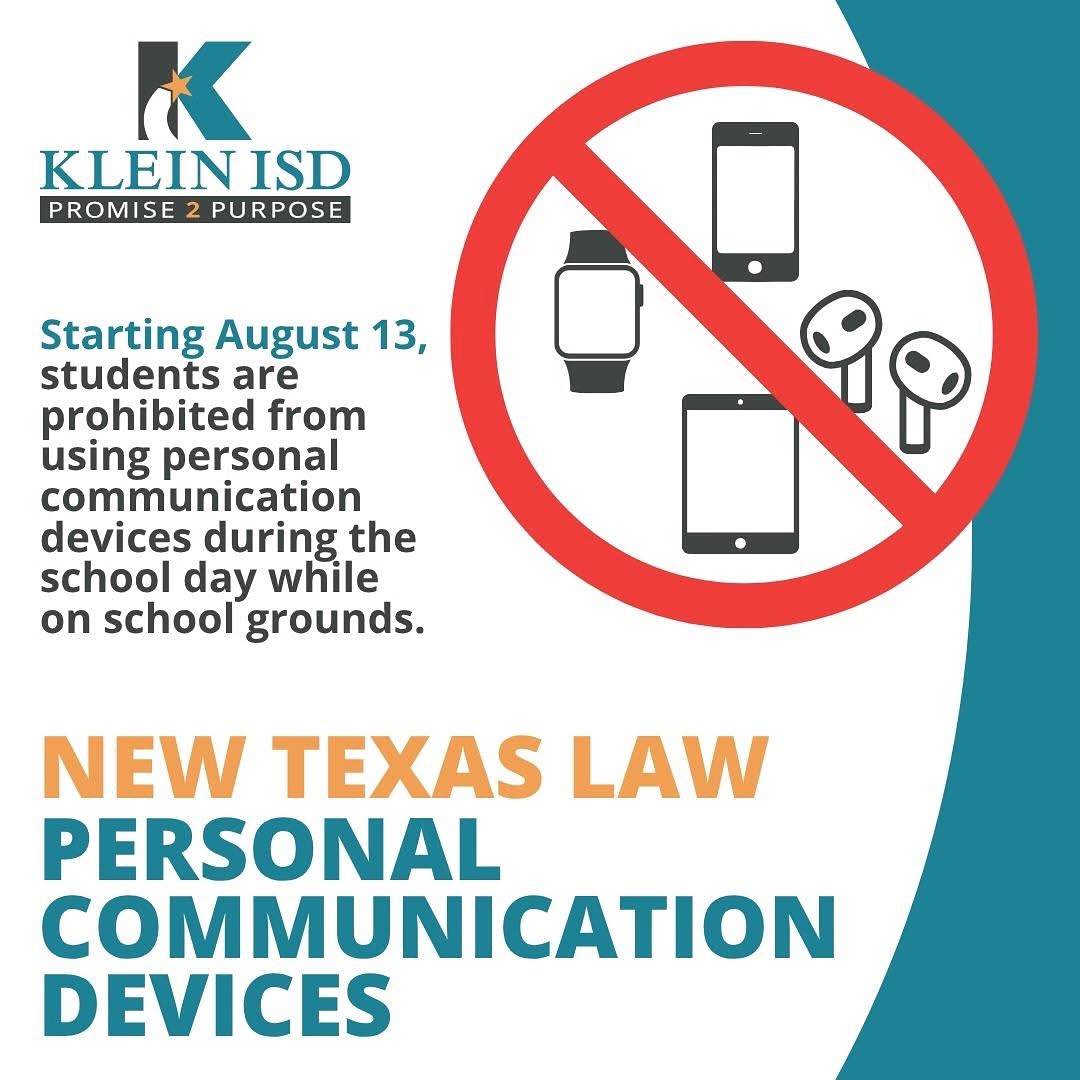
Starting with the 2025–2026 school year, a new Texas state law (House Bill 1481) prohibits students from using personal communication devices—such as phones, smartwatches, earbuds, and tablets—during the instructional day while on school grounds. Devices must be turned off and stored out of sight in a backpack or bag from the first bell to the end of the school day, including during passing periods, lunch, and recess.
Violations require disciplinary action. Families are encouraged to discuss this law with their children before the first day of school on August 13th. Schools will also review expectations and consequences with students to support a focused and positive learning environment. |
|
As a reminder, in compliance with new Texas law HB 1481, all devices must remain put away during the school day. Repeated offenses will result in escalating consequences:
1st Offense – Device turned in to grade-level office, admin conference, parent contacted. Student may pick up device from the admin office at the end of the day.
2nd Offense – Device turned in, consequence may include lunch detention or after-school detention, parent contacted. Student may pick up device from the admin office at the end of the day. 3rd Offense – Device turned in, one day of ISS, parent contacted. Parent/guardian must pick up the device from the front office during school hours.
4th Offense & Beyond – Device turned in, consequence may range from 2 days ISS up to DAEP placement, parent contacted. Parent/guardian must pick up the device from the front office during school hours.
Thank you for helping us maintain a focused learning environment! |
|
|
|
Tardy Procedures (Repeated Info)
Tardies are counted in total, per day, and reset each week. Once a discipline has been assigned it is the student's responsibility to reschedule due to a conflict. If you do not attend and miss your consequence, you may be given ISS immediately. Please see the disciplinary consequences below. 1-3: Warning 4: Lunch Detention 5: One Hour After School Detention
6: Two Hours After School Detention 7+ ISS (The number of days is determined by AP)
Student Dress Code (Repeated Info)
Strack follows a strict adherence to the Klein ISD Dress Code found in the student handbook. Free and Reduced Lunch (Repeated Info)
We encourage all families to apply for free or reduced lunch. You may do so by applying electronically at kisd.us/frmealapp to see if your student(s) qualify for free or reduced priced meals. Applications need to be filled out each school year, and we encourage you to fill out this year’s application now. Families will be notified with eligibility results within 10 business days.
|
|
Lunch Visitors (Repeated Info) To help maintain a safe and secure environment, we will not be able to accommodate lunch visitors this school year. We appreciate your understanding and support.
Food Deliveries (Repeated Info) To maintain a safe and smooth school day, we kindly ask that there are no food deliveries to students. We appreciate your support in helping everyone plan ahead and stay focused on learning!
Family Curriculum Guides (Repeated Info)
To help our families stay connected to what is going on, we want to share with a link to the KISD Curriculum Guide. This provides and overview of the instruction that students receive as we teach the Texas Essential Knowledge and Skills (TEKS). This information includes questions you can ask your child and ways you can support their learning at home. Support at home is a critical piece of our students' success.
|
| |
|
Strack Administrative Team |
- Stephanie Gray-Principal- sgray1@kleinisd.net
-
Kevin Moye-6th Grade Assistant Principal - kmoye1@kleinisd.net
- Kyle Valdez - 7th Grade Assistant Principal - kvaldez1@kleinisd.net
- Kelsey Marino - 8th Grade Assistant Principal - kmarino1@kleinisd.net
|
|
|
|